
Introduction
In today’s digital world, almost everything we do is connected to online accounts. From social media and email to banking, shopping, and work tools, our personal and professional lives depend heavily on digital access. This is where Account Security becomes extremely important. Without proper protection, your private information can be stolen, misused, or even sold without your knowledge.
Many people think account security is only about setting a strong password. In reality, it is much more than that. Account security includes protecting your login details, devices, recovery options, and online behavior. Even one small mistake, such as clicking a fake link or using the same password everywhere, can lead to serious problems.
Account Security is not just for tech experts or businesses. Beginners and everyday users are often the main targets because attackers know they usually have weak protection. Fortunately, you do not need advanced technical skills to stay safe. With the right knowledge and habits, anyone can significantly reduce risks.
This guide is written in simple English to help you understand account security step by step. It explains key concepts, practical actions, common mistakes, and expert tips. By the end of this article, you will know how to protect your online accounts with confidence and build safer digital habits for the future.
What Is Account Security?
Account Security refers to the methods and practices used to protect online accounts from unauthorized access, misuse, or theft. It ensures that only the rightful owner can log in and use an account.
It involves more than just passwords. Account security includes identity verification, device safety, account recovery options, and monitoring suspicious activity. The goal is to keep personal data, money, and private communications safe.
For example, when you enable two-factor authentication on your email, you are improving your account security. When you avoid logging in on public computers, you are also protecting your account.
In simple terms, account security is about control. It gives you control over who can access your digital life and how that access is managed safely.
Why Is Account Security Important?
Account Security is important because online threats are increasing every year. Hackers are becoming smarter, faster, and more organized.
When an account is compromised, the damage can be serious. Personal photos, messages, and financial data can be stolen. In some cases, attackers can lock you out completely.
Strong account security helps you:
- Protect your identity from fraud
- Keep your money safe
- Prevent data leaks
- Maintain privacy and trust
For businesses and professionals, weak account security can lead to data breaches, legal issues, and loss of reputation. For individuals, it can cause stress, financial loss, and emotional harm.
Simply put, account security protects your digital freedom and peace of mind.
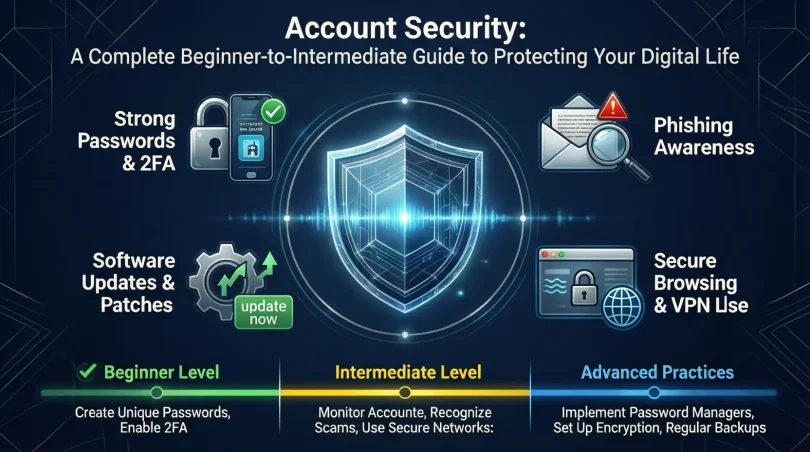
Detailed Step-by-Step Guide to Account Security
Step 1: Create Strong and Unique Passwords
Passwords are the first line of defense. Weak passwords are easy to guess or crack.
A strong password should:
- Be at least 12 characters long
- Include letters, numbers, and symbols
- Avoid names, dates, or common words
Never reuse the same password across multiple accounts. If one account is hacked, others will follow.
Step 2: Use a Password Manager
Remembering many strong passwords is difficult. A password manager securely stores and creates passwords for you.
Benefits include:
- Automatic strong password generation
- Secure storage
- Easy login without memorizing
This greatly improves overall account security.
Step 3: Enable Two-Factor Authentication
Two-factor authentication adds an extra layer of protection. Even if someone knows your password, they still need a second code.
Common second factors include:
- SMS codes
- Authentication apps
- Email verification
This step alone can block most unauthorized login attempts.
Step 4: Secure Your Email Account First
Your email is the key to all other accounts. Password resets usually go through email.
Protect your email by:
- Using the strongest password
- Enabling two-factor authentication
- Reviewing recovery options
Strong email account security strengthens everything else.
Step 5: Keep Devices Secure
Account security is not only online. Your devices matter too.
Always:
- Lock your phone and computer
- Update software regularly
- Install apps only from trusted sources
A secure device prevents attackers from stealing saved logins.
Step 6: Watch for Phishing Attempts
Phishing is a common attack method. Fake emails or messages trick users into giving login details.
Warning signs include:
- Urgent messages
- Unknown senders
- Suspicious links
Never click links without checking carefully.
Step 7: Review Account Activity Regularly
Most platforms show login history and activity.
Check for:
- Unknown devices
- Strange locations
- Unusual actions
Early detection helps prevent further damage.
Step 8: Set Recovery Options Carefully
Recovery options help you regain access if locked out.
Use:
- A secure backup email
- A trusted phone number
Avoid using shared or public accounts for recovery.
Benefits of Account Security
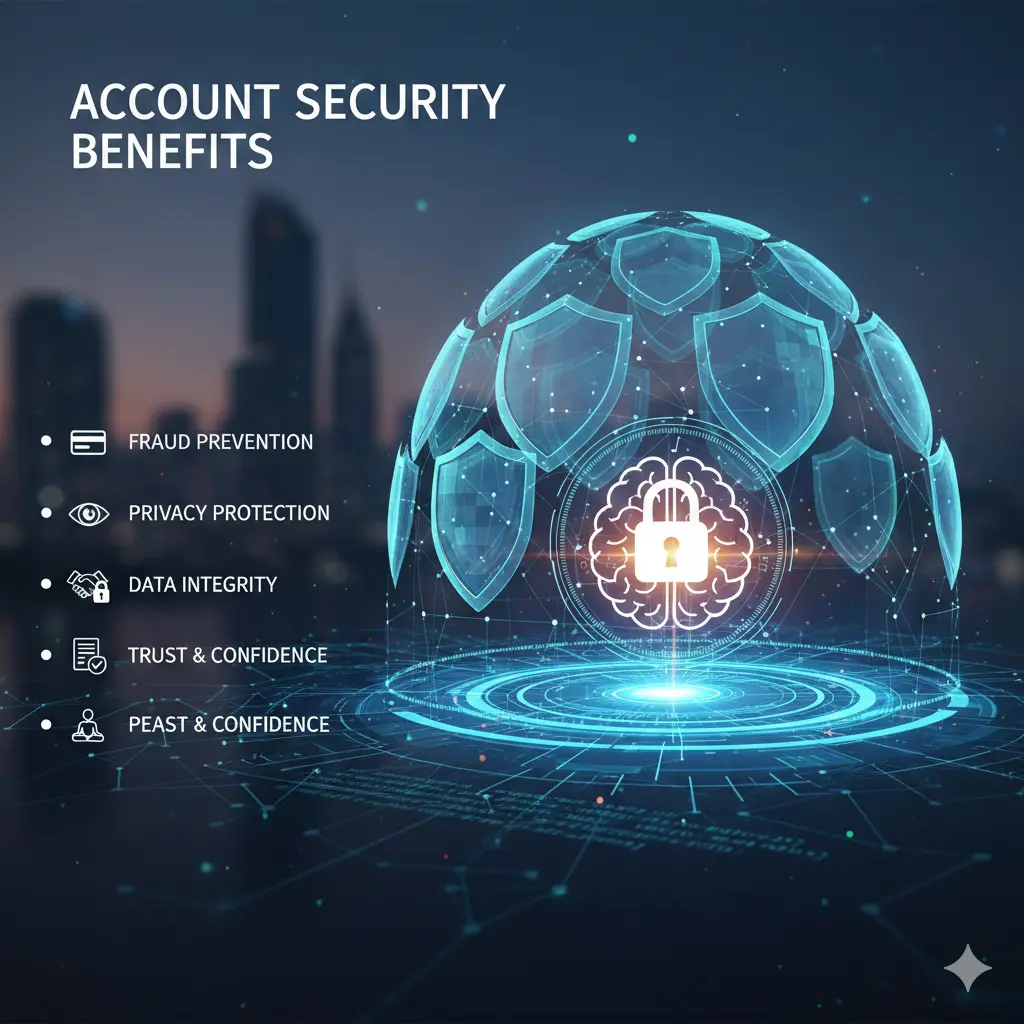
- Protects personal and financial data
- Prevents identity theft
- Reduces stress and risk
- Builds digital confidence
- Improves privacy control
- Helps maintain trust in online services
Disadvantages / Risks
- Takes time to set up properly
- Can feel complex for beginners
- Risk of losing access without recovery options
- Over-reliance on one security method
However, these risks are small compared to the damage caused by poor account security.
Common Mistakes to Avoid
Many users weaken their own account security without realizing it.
Common mistakes include:
- Using the same password everywhere
- Ignoring security alerts
- Clicking unknown links
- Skipping software updates
- Sharing login details
Avoiding these mistakes greatly improves safety.
FAQs About Account Security
What is the biggest threat to account security?
Weak passwords are the biggest threat. They make it easy for attackers to access accounts without advanced skills.
Is two-factor authentication really necessary?
Yes. It adds a strong extra layer that blocks most attacks, even if passwords are leaked.
Can account security protect against all attacks?
No system is perfect. However, good account security reduces risk and limits damage.
How often should passwords be changed?
Change passwords when there is a breach or suspicion. Frequent unnecessary changes are not always required.
Are password managers safe to use?
Reputable password managers are designed with strong encryption and are safer than manual storage.
What should I do if my account is hacked?
Change passwords immediately, review activity, secure recovery options, and contact the service provider.
Expert Tips & Bonus Points
- Use different emails for important accounts
- Enable login alerts
- Avoid public Wi-Fi for sensitive logins
- Log out from shared devices
- Learn basic digital safety habits
Small actions make a big difference in account security.
Conclusion
Account Security is no longer optional. It is a basic digital skill that everyone needs. As online services grow, so do the risks. The good news is that protecting your accounts does not require expert knowledge or expensive tools.
By using strong passwords, enabling two-factor authentication, securing your email, and staying alert, you can protect yourself from most threats. Account security is about consistency, not perfection. Simple habits, when followed daily, create strong protection over time.
For beginners, start small. Secure your most important accounts first. For intermediate users, review and improve existing security settings. Every step you take strengthens your digital safety.
In the end, account security gives you control, confidence, and peace of mind. It allows you to enjoy the digital world without constant fear. Make it a priority today, and your future self will thank you.