
Introduction
In today’s digital world, credential safety has become more crucial than ever. Every day, millions of people log into websites, apps, and services, often using the same passwords and usernames. Unfortunately, this convenience can lead to serious security risks. Hackers and cybercriminals are constantly finding ways to steal login information, putting personal and financial data at risk. This makes understanding credential safety essential for anyone who uses the internet.
The term credential safety refers to the measures and practices used to protect your login credentials, including usernames, passwords, and other authentication information. By following proper credential safety practices, you can significantly reduce the risk of account breaches, identity theft, and financial loss. Even beginners who are not tech-savvy can take simple steps to enhance their online security. From creating strong passwords to using advanced tools like password managers, there are many ways to safeguard your credentials.
In this article, we will explore everything you need to know about credential safety. You will learn why it is important, step-by-step strategies to implement it, the benefits, risks, and common mistakes to avoid. Additionally, we will provide expert tips and answer frequently asked questions to help you build a strong foundation in protecting your online accounts. Whether you are a student, professional, or casual internet user, understanding credential safety is a skill that will protect you in the long term.
What is Credential Safety?
Credential safety is the practice of securing your login information, which typically includes your username, password, PINs, security questions, and sometimes biometric data. These credentials act as keys to your digital accounts. If someone gains access to your credentials, they can steal personal information, perform unauthorized transactions, or even impersonate you online.
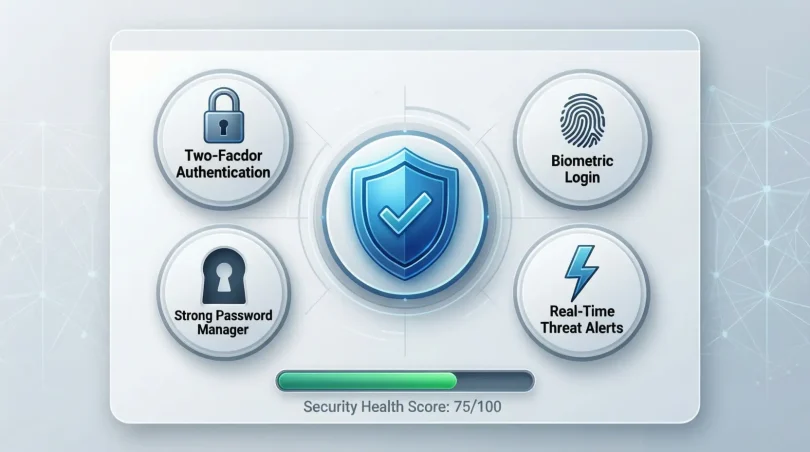
The main components of credential safety include:
- Strong Passwords: Using complex passwords that are difficult to guess.
- Two-Factor Authentication (2FA): Adding an extra layer of verification, such as a code sent to your phone.
- Password Managers: Tools that securely store and generate passwords for multiple accounts.
- Regular Updates: Changing passwords periodically to prevent unauthorized access.
For example, if you use the same password for your email and social media accounts, a single breach could compromise all of them. Implementing credential safety ensures that even if one account is attacked, your other accounts remain protected.
Credential safety is not limited to individuals. Businesses also rely on it to protect sensitive information and customer data. Companies often implement strict policies, such as mandatory password rotations, multi-factor authentication, and restricted access, to maintain strong credential security.
Why is Credential Safety Important?
The importance of credential safety cannot be overstated. In today’s digital ecosystem, your credentials are the first line of defense against cyber threats. Here are some key reasons why credential safety matters:
- Prevent Identity Theft: Cybercriminals often use stolen credentials to impersonate victims, open bank accounts, or apply for loans.
- Protect Financial Assets: Online banking, payment apps, and shopping accounts contain sensitive financial information that must be safeguarded.
- Secure Personal Data: Email, social media, and cloud storage accounts contain private photos, messages, and files. A breach can expose this information.
- Maintain Professional Reputation: For professionals, leaked credentials can compromise work accounts, sensitive projects, and confidential communications.
- Avoid Legal and Compliance Issues: For businesses, failing to ensure credential safety can lead to regulatory fines and legal consequences.
Consider this scenario: A hacker gains access to your email through a weak password. They can then reset passwords on other accounts, effectively taking over your entire digital life. Proper credential safety prevents such scenarios by making unauthorized access significantly harder.
Additionally, with the rise of phishing attacks and malware, even tech-savvy users can fall victim if they neglect credential safety. This is why proactive measures are necessary, rather than relying solely on luck or basic password practices.
Detailed Step-by-Step Guide to Credential Safety
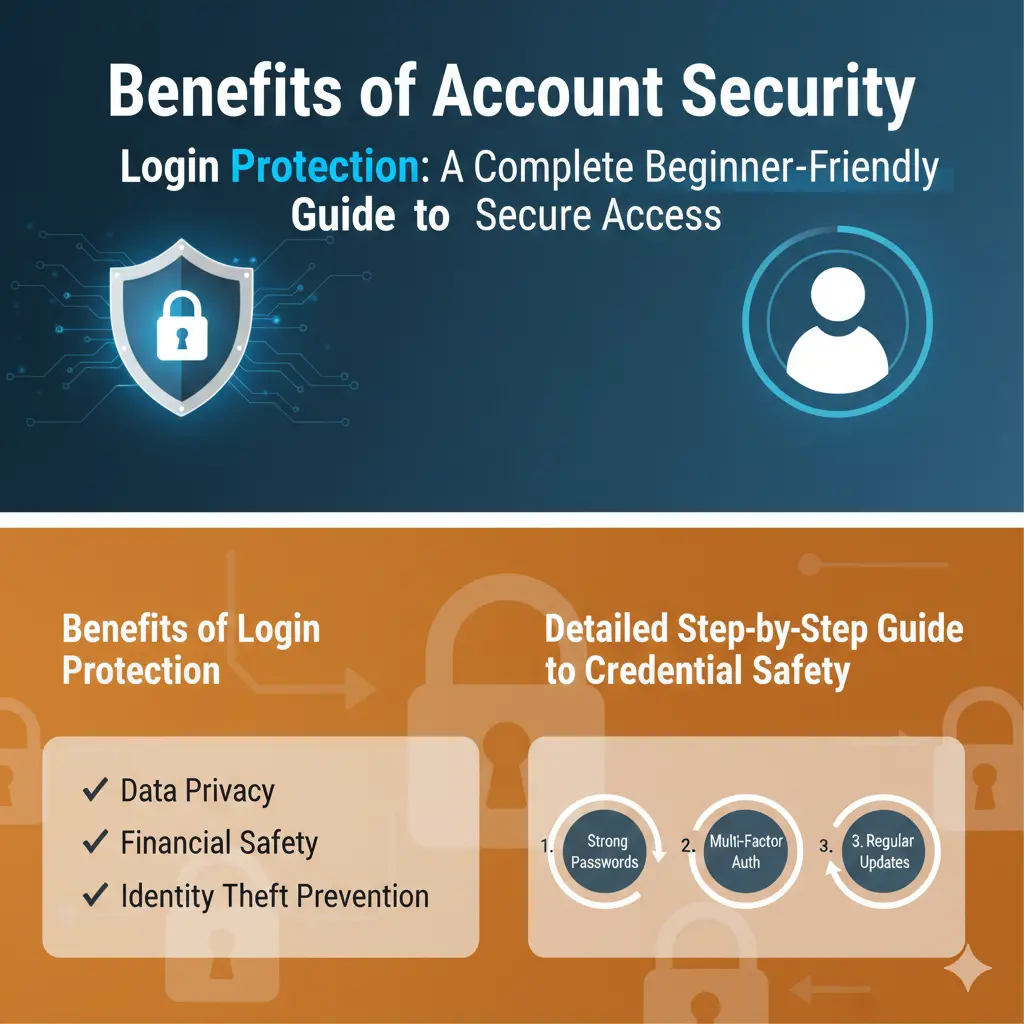
Implementing credential safety involves multiple strategies, combining simple habits and advanced tools. Here’s a comprehensive guide to keeping your credentials secure:
1. Create Strong Passwords
Strong passwords are the foundation of credential safety. Follow these tips:
- Use at least 12 characters combining uppercase, lowercase, numbers, and symbols.
- Avoid common words, names, or patterns like “123456” or “password.”
- Use passphrases—a sequence of random words that is easy to remember but hard to guess.
- Do not reuse passwords across multiple accounts.
Example: Instead of “Summer2026,” use “Rainy$Mountain7Blue!”
2. Enable Two-Factor Authentication (2FA)
Two-factor authentication adds an extra security layer. Even if your password is stolen, a hacker cannot access your account without the second factor, which can include:
- SMS or email verification codes
- Authenticator apps like Google Authenticator or Authy
- Hardware security keys
Always enable 2FA wherever possible, especially for email, banking, and social media accounts.
3. Use a Password Manager
Managing multiple strong passwords can be challenging. Password managers help by:
- Storing passwords securely
- Generating random, strong passwords
- Autofilling credentials on trusted devices
Popular password managers include LastPass, 1Password, and Bitwarden. Using one ensures you never compromise password strength for convenience.
4. Regularly Update Your Credentials
Even strong passwords should be updated periodically. Consider:
- Changing passwords every 3–6 months
- Immediately updating passwords after any data breach alerts
- Rotating passwords for critical accounts more frequently
5. Recognize and Avoid Phishing Attempts
Phishing is a common way hackers steal credentials. Stay vigilant by:
- Avoiding links in unsolicited emails or messages
- Verifying sender addresses before clicking
- Using browser extensions or tools that warn about phishing sites
6. Secure Your Devices
Even with strong passwords, stolen devices can compromise credentials. Protect your devices by:
- Enabling screen locks and biometric authentication
- Installing reputable antivirus software
- Keeping operating systems and apps up-to-date
7. Monitor Accounts for Suspicious Activity
Proactive monitoring can help detect breaches early. Best practices include:
- Setting up login alerts on email and financial accounts
- Reviewing account activity regularly
- Using services like Have I Been Pwned to check for exposed credentials
8. Educate Yourself and Others
Credential safety is also about awareness. Train yourself and family members:
- Teach children and non-tech-savvy relatives about password hygiene
- Share tips on recognizing phishing and malware attacks
- Encourage the use of secure authentication practices across all users
Benefits of Credential Safety
Adopting strong credential safety practices provides numerous benefits:
- Protects personal and financial information
- Reduces the risk of identity theft
- Enhances trust and reputation online
- Safeguards business data and client information
- Provides peace of mind knowing accounts are secure
- Prevents unauthorized access to sensitive accounts
- Ensures compliance with security regulations
- Minimizes the impact of potential cyberattacks
Disadvantages / Risks
While credential safety offers many benefits, neglecting it or implementing it poorly comes with risks:
- Weak passwords can be easily hacked
- Reusing credentials across accounts increases vulnerability
- Falling for phishing attacks can bypass strong passwords
- Poor device security can expose credentials
- Ignoring software updates may leave accounts open to exploits
- Storing passwords insecurely, like on paper or unencrypted files, is risky
Common Mistakes to Avoid
Even users who care about security often make mistakes that compromise credential safety. Avoid these common errors:
- Using simple, easily guessable passwords
- Reusing the same password across multiple accounts
- Ignoring two-factor authentication
- Falling for phishing emails or scam messages
- Writing down passwords in unprotected locations
- Sharing passwords with friends or colleagues unnecessarily
- Using public Wi-Fi without a VPN to log in to accounts
- Neglecting regular password updates
Avoiding these mistakes significantly strengthens your credential safety.
FAQs About Credential Safety
1. What is the best way to create a strong password?
Use a mix of uppercase, lowercase, numbers, and symbols. Passphrases with random words also work well. Avoid using personal information like birthdates.
2. Is two-factor authentication really necessary?
Yes. 2FA adds an extra layer of security, making it much harder for hackers to access your accounts even if your password is compromised.
3. Can a password manager be trusted?
Yes, reputable password managers encrypt your credentials and offer secure storage. Choose one with strong encryption and a good reputation.
4. How often should I change my passwords?
Ideally every 3–6 months, or immediately after a known security breach affecting your accounts. Critical accounts may require more frequent updates.
5. What should I do if I suspect my account is hacked?
Immediately change your password, enable 2FA, and review account activity. Notify the service provider if necessary and scan your devices for malware.
6. Are biometric logins safe?
Biometric logins like fingerprints or facial recognition are generally safe and add convenience, but they should be used alongside strong passwords or PINs.
7. Can public Wi-Fi compromise my credentials?
Yes. Public Wi-Fi networks are often unsecured, making it easier for hackers to intercept login information. Use a VPN if you must access sensitive accounts on public networks.
8. How do I know if my credentials have been exposed?
Services like Have I Been Pwned can alert you if your email or passwords appear in known breaches. Many online accounts also provide login alerts for suspicious activity.
Expert Tips & Bonus Points
- Use Unique Passwords for Each Account: Never reuse passwords to prevent cascading breaches.
- Enable Account Recovery Options: Set up backup email addresses or phone numbers for account recovery.
- Secure Your Email: Email accounts are the gateway to many other accounts; protect them with strong credentials and 2FA.
- Consider Hardware Security Keys: For high-value accounts, hardware keys provide unmatched protection.
- Educate Yourself About Phishing Trends: Hackers constantly change tactics; staying informed keeps you ahead.
- Backup Critical Credentials Securely: Keep encrypted backups of important passwords in case of emergencies.
- Regularly Audit Your Accounts: Review which apps and services have access to your accounts and revoke unnecessary permissions.
By implementing these tips, you can ensure that your credentials remain secure, giving you confidence in your online presence.
Conclusion
In the digital age, credential safety is no longer optional; it is a necessity. Protecting your login information is the first step in safeguarding your personal, financial, and professional data. By using strong passwords, enabling two-factor authentication, employing password managers, and staying vigilant against phishing attacks, you can dramatically reduce the risk of unauthorized access to your accounts.
Furthermore, understanding common mistakes and avoiding them ensures that your efforts are effective. Remember, even small habits like updating passwords regularly or monitoring account activity can make a significant difference. Implementing expert tips, such as using hardware security keys and securing your email, elevates your security to a professional level.
Ultimately, practicing credential safety empowers you to navigate the digital world with confidence. Whether you are a beginner or an intermediate user, following these strategies protects your digital life and provides peace of mind. Prioritize credential safety today, and you will be prepared to face evolving cyber threats while maintaining control over your online identity.